Product Visuals
Studio-Quality Product Advertising
Turn a simple product concept into a polished ecommerce or campaign visual with realistic materials and lighting.
Congrats! You've unlocked special pricing
Nano Banana 2.1 · Image Generation & Editing
Create the Image You Meant.
Create, edit and combine images with Nano Banana 2.1. Turn text and reference images into detailed visuals, keep characters and objects consistent, render clearer typography, and generate in 1K, 2K or 4K from one creative workspace.
AI Image Studio
Start with a prompt, upload reference images, or combine both. Describe what you want to create — or tell Nano Banana 2.1 what should change in an existing image.
Product CampaignGenerated image will be displayed here
Generator parameters reflect Nano Banana 2.1 (1K / 2K / 4K, aspect ratio, optional search and thinking). Up to 14 reference images on Edit; only connected fields appear below.
Quick Answer
Nano Banana 2.1 is Google’s latest high-efficiency model for image generation and conversational image editing. It updates Nano Banana 2 with stronger visual quality, prompt adherence, text rendering and multi-turn consistency while supporting 1K, 2K and 4K output. It can combine multiple reference images in one workflow, making it useful for product visuals, character-driven content, posters, image editing and complex compositions.
Creative Workflow Examples
Explore image generation, editing, typography, product photography, character consistency and multi-reference composition through practical examples.
Turn a simple product concept into a polished ecommerce or campaign visual with realistic materials and lighting.
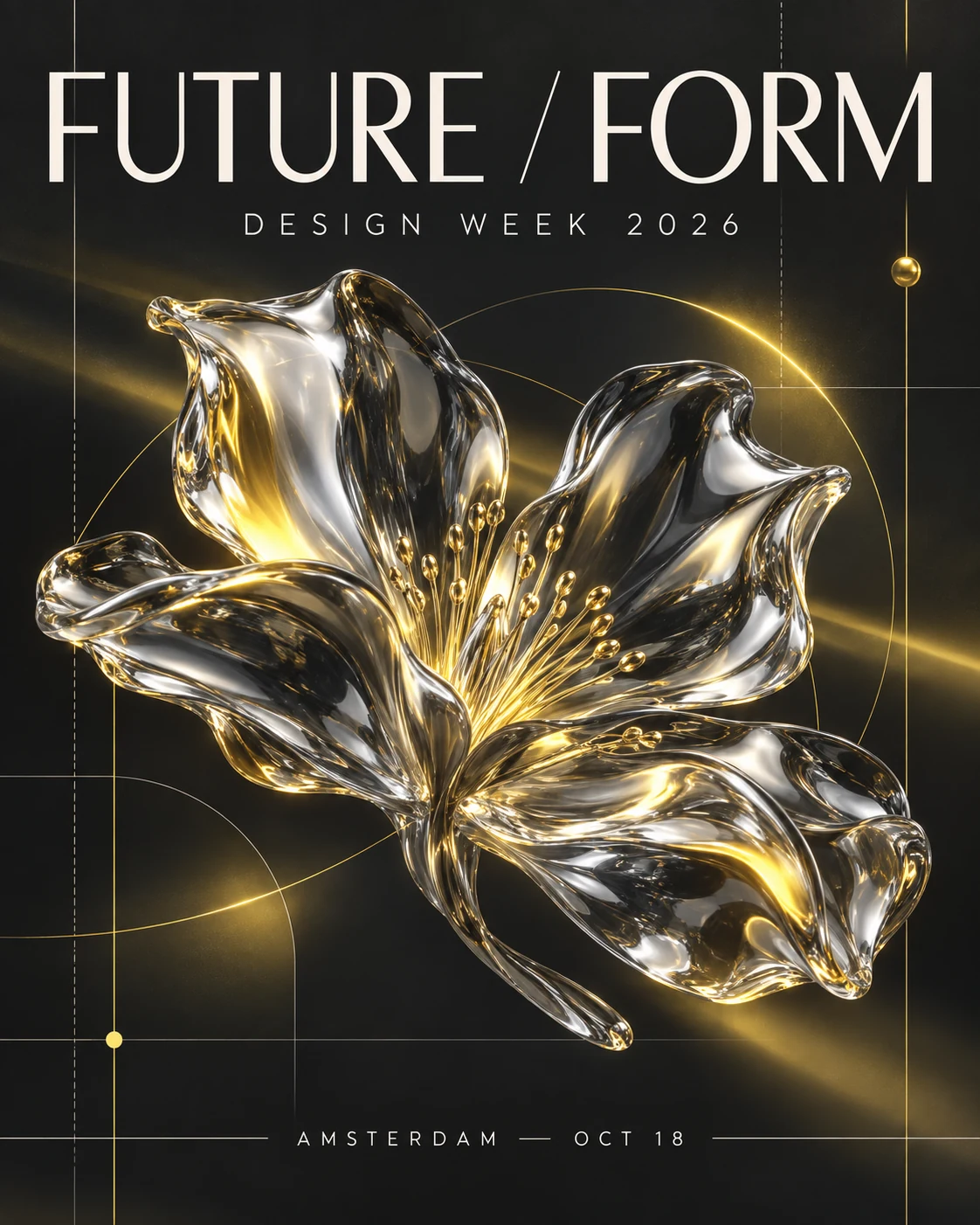
Generate posters and marketing visuals where typography is part of the composition instead of an afterthought.
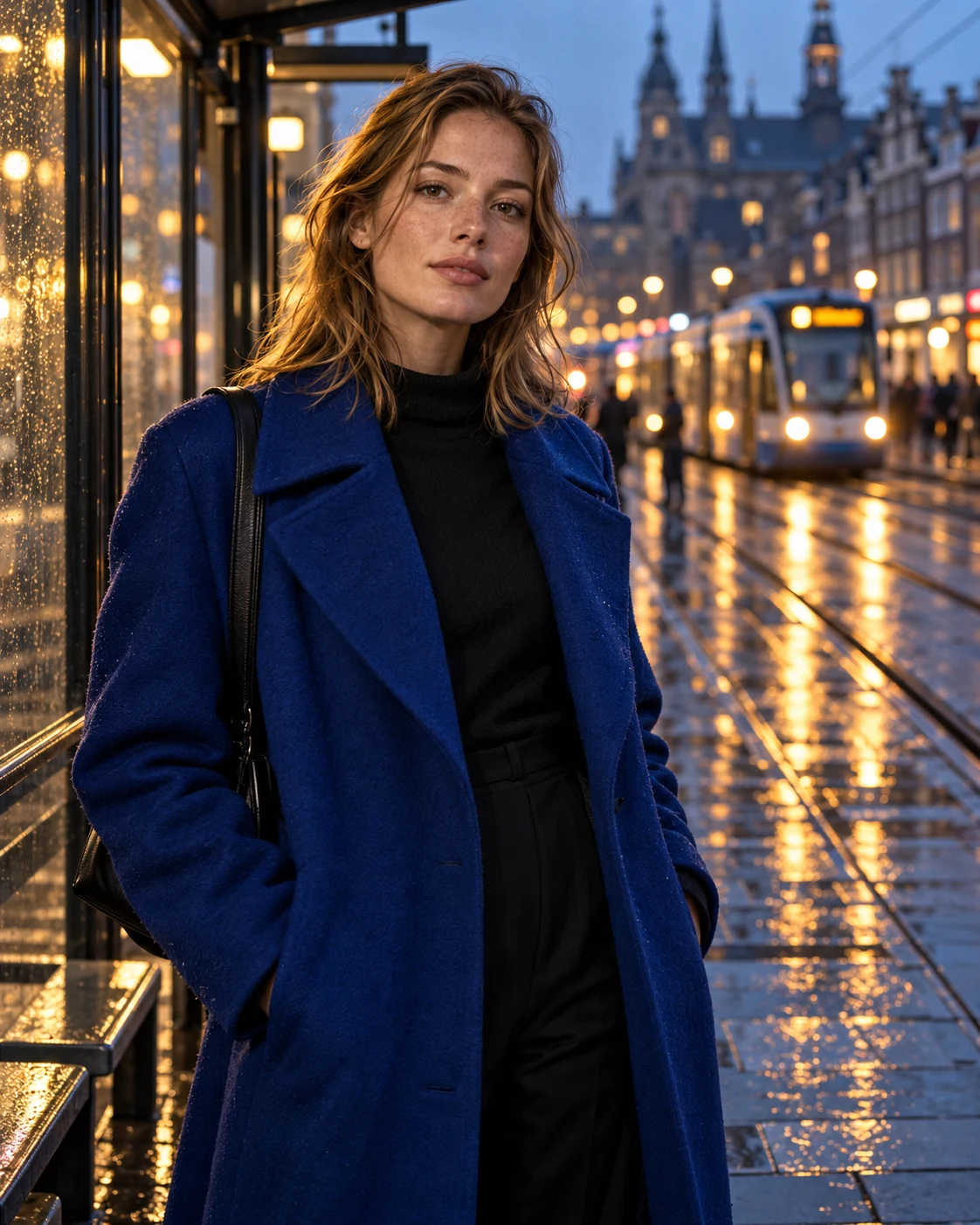
Create detailed editorial imagery with natural skin, controlled lighting and precise visual direction.
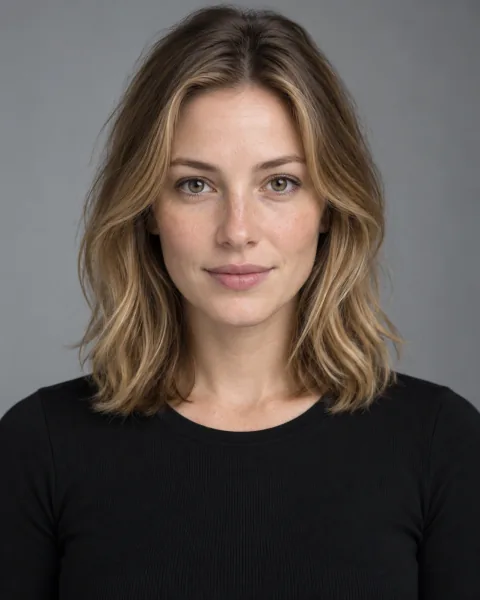
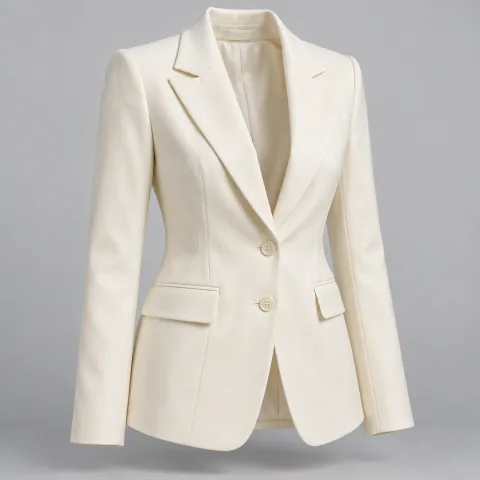
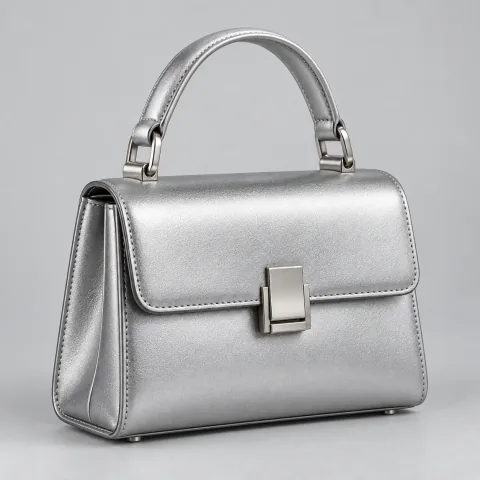
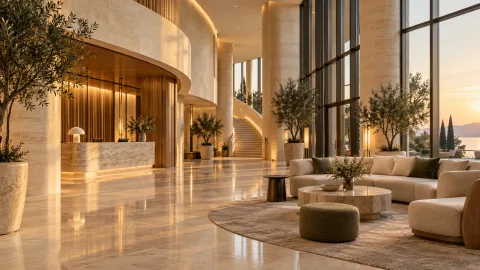
4 References → 1 Final Image
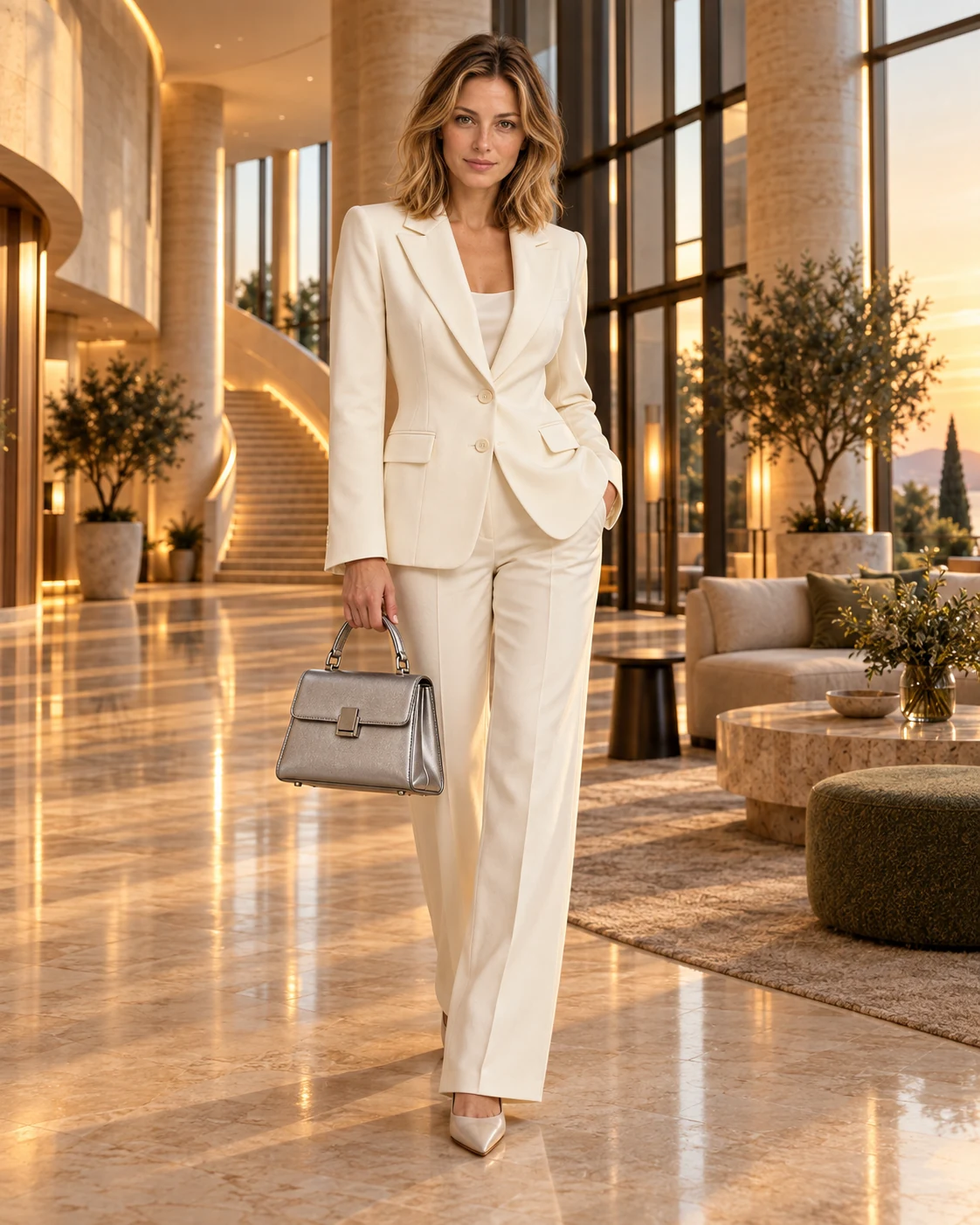
Use multiple reference images to assemble a new composition while preserving the important identity of each input.
Change specific parts of an existing image while preserving the composition and everything you want to keep.
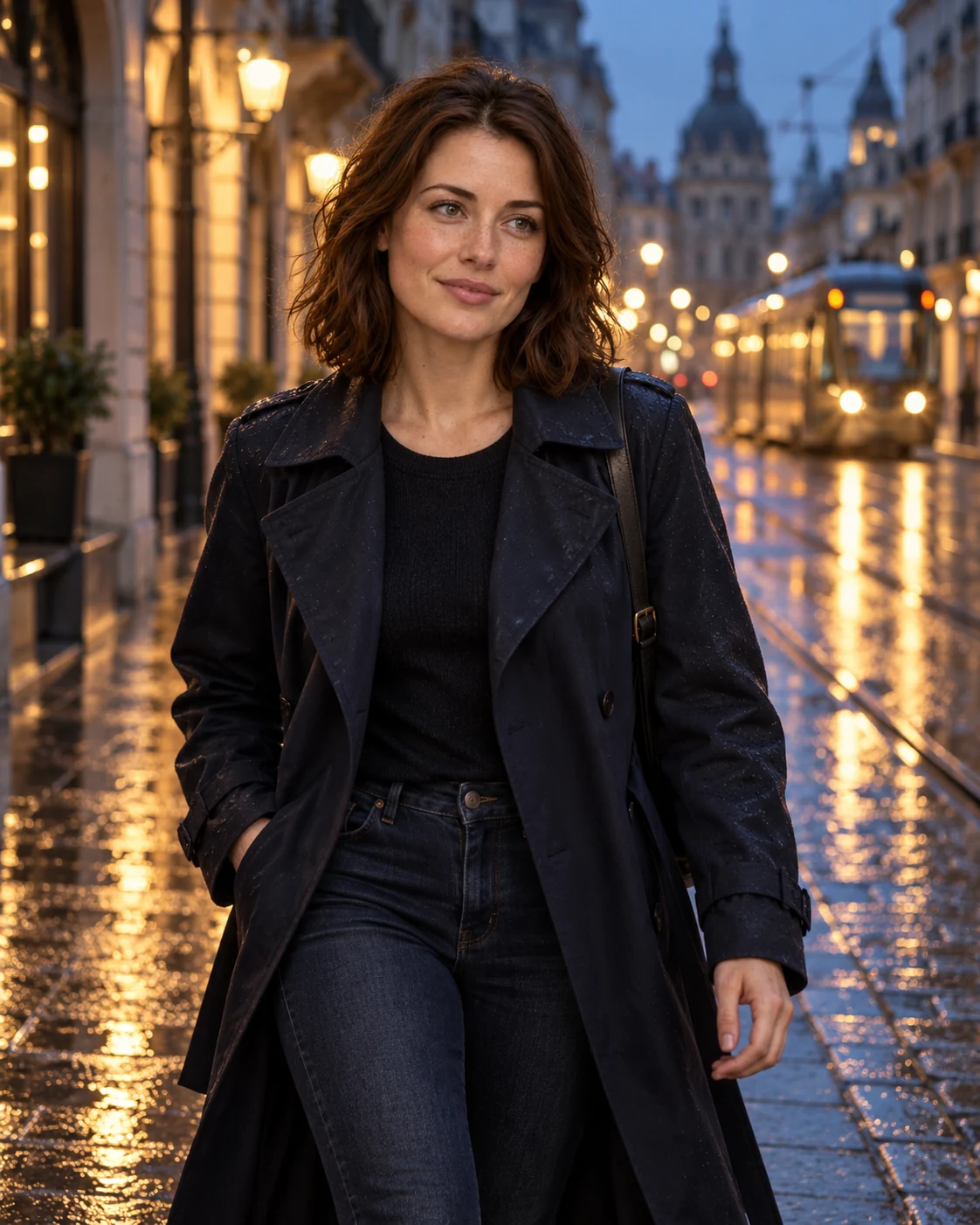

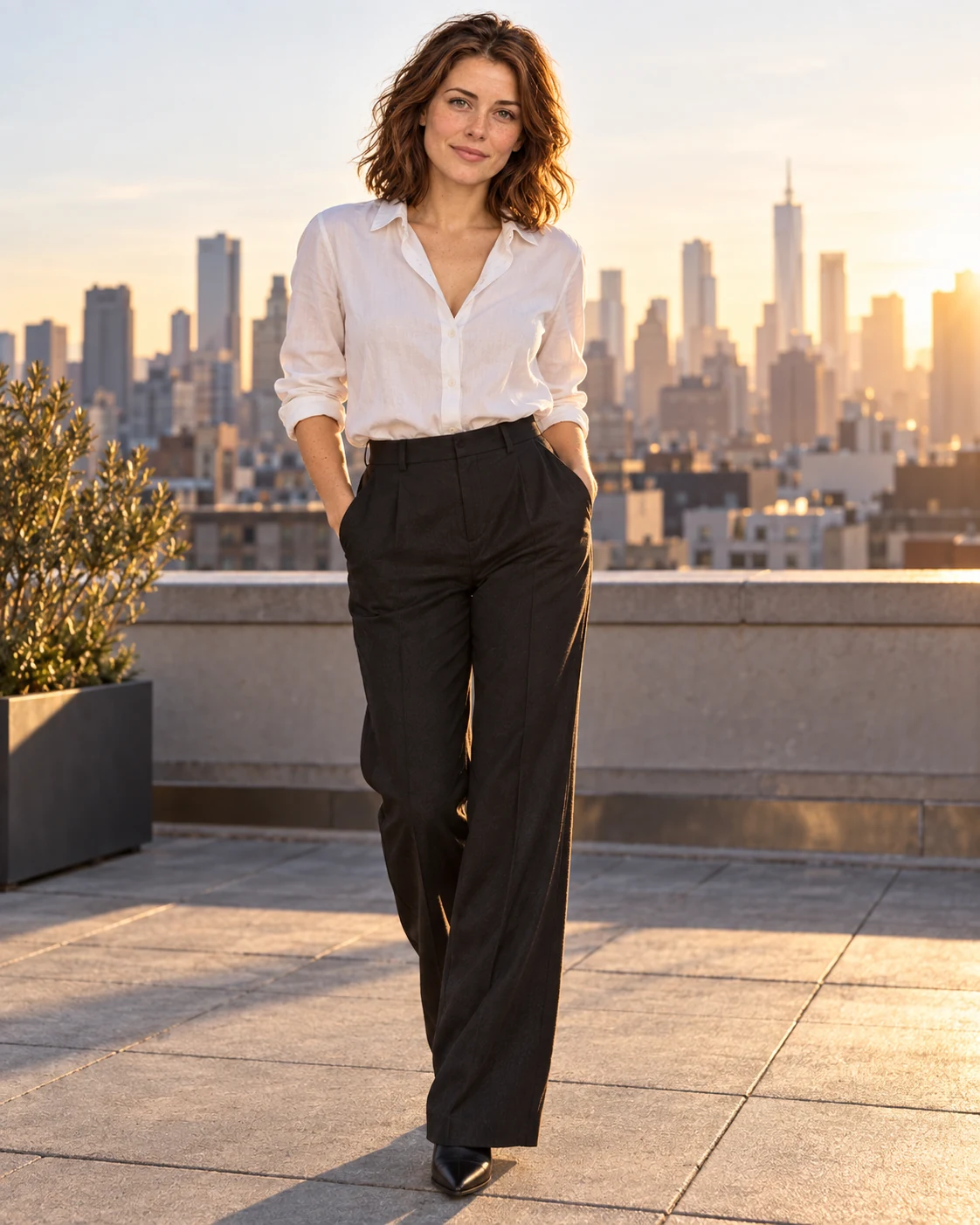
Build a visual story around the same fictional character across different scenes, outfits and compositions.
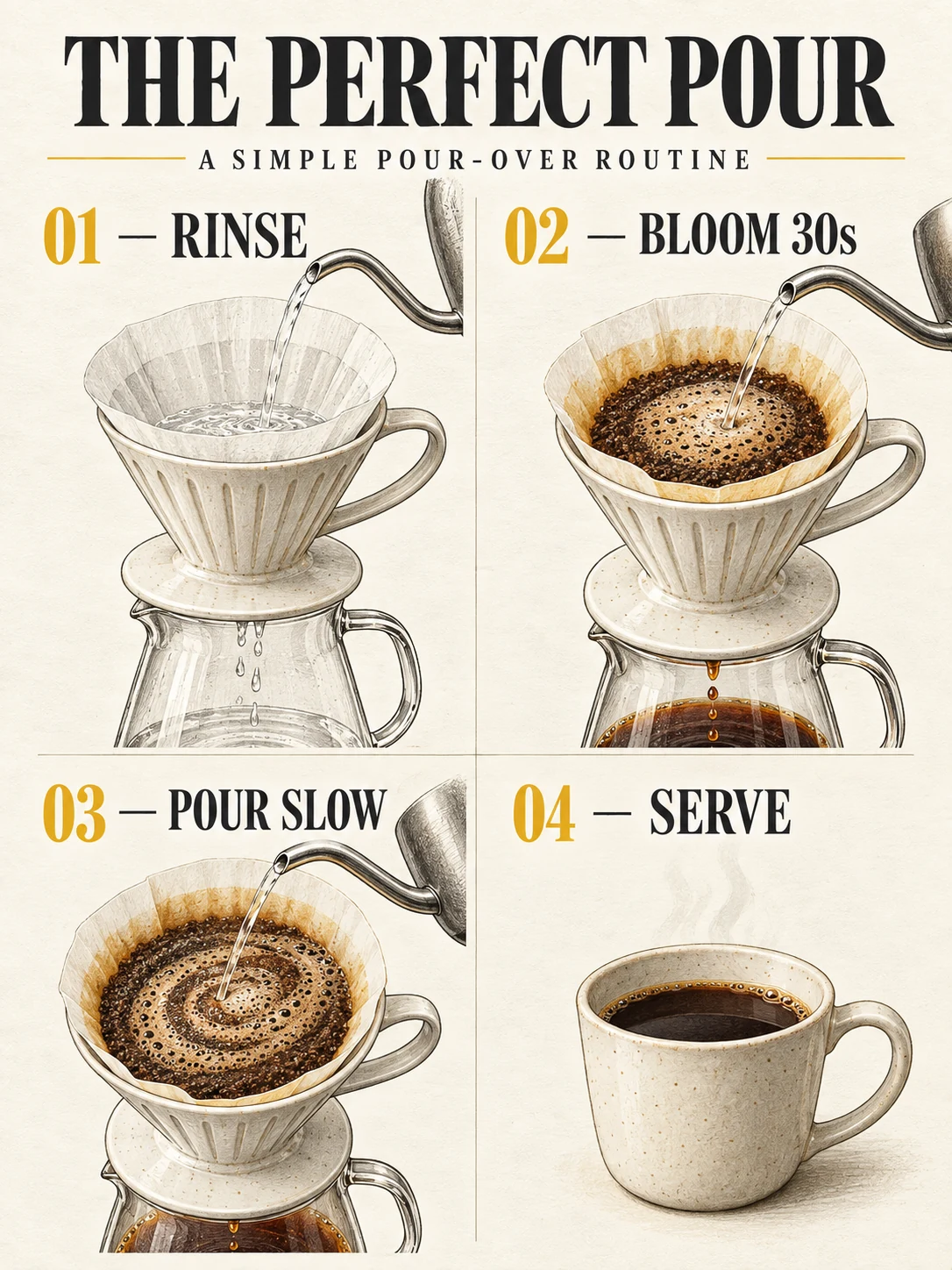
Create structured visual explanations with clearer hierarchy, labels and layout.
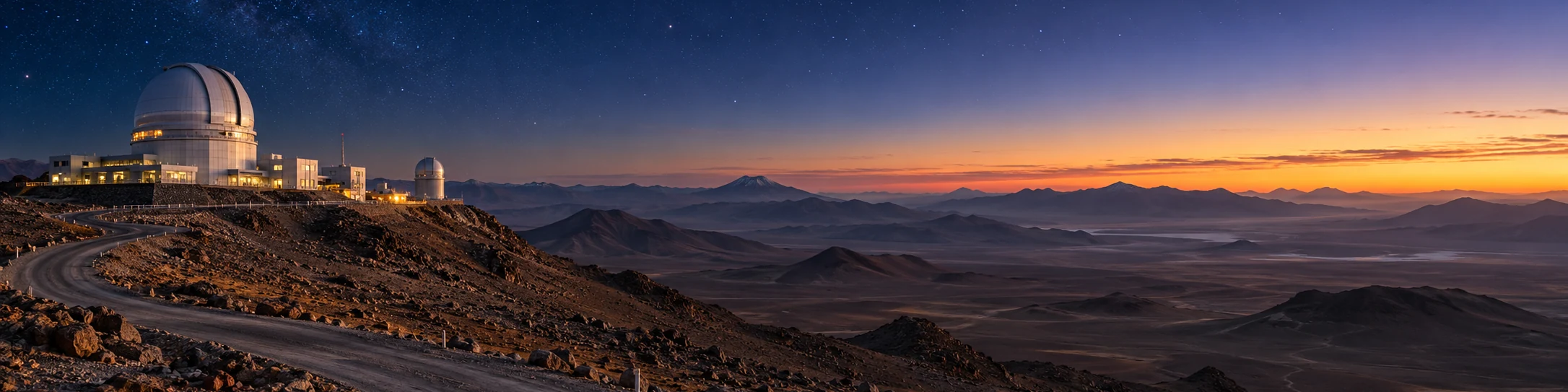
Create wide visual environments for banners, cinematic concepts and panoramic compositions.
Capabilities
Nano Banana 2.1
Nano Banana 2.1 builds on Nano Banana 2 with improvements aimed at both everyday generation and more demanding creative workflows.
Generate more polished and realistic images across 1K, 2K and 4K output sizes.
Give the model more detailed visual instructions and keep more of those constraints in the final composition.
Create posters, information graphics and marketing visuals with stronger typography and layout accuracy.
Refine an image through multiple edits while maintaining stronger character continuity.
Combine up to 14 reference images in one workflow, with support for maintaining multiple characters and objects.
Create wide and panoramic high-resolution outputs for more demanding visual formats.
A person, a product, an outfit, a location or a visual style can all become part of the same creative brief. Nano Banana 2.1 supports multi-image workflows designed for more controlled composition.
→
You do not need to rebuild an image every time something changes. Upload an image and describe the exact edit: change a material, replace an object, adjust a background or continue refining the scene through another turn.
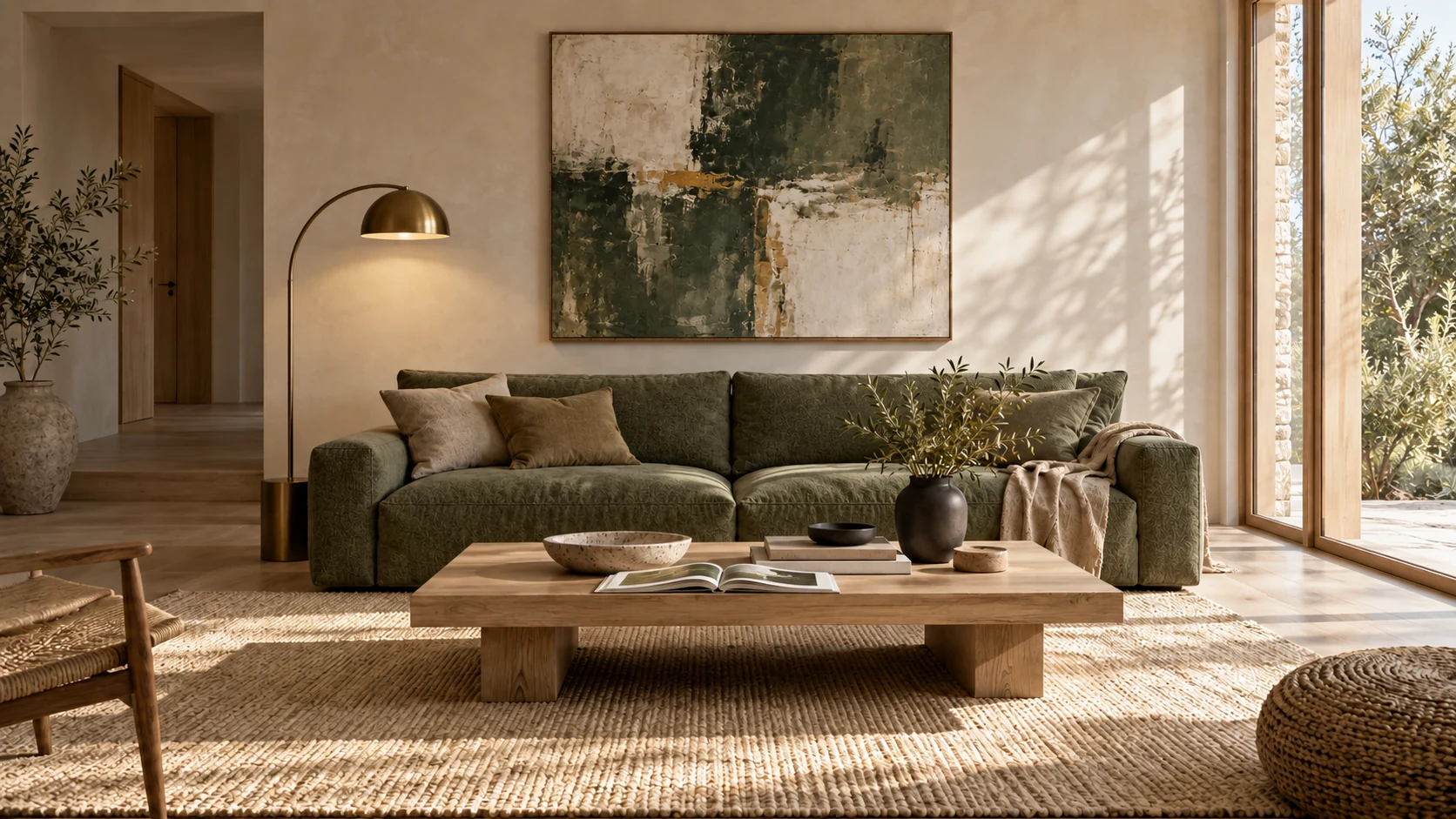
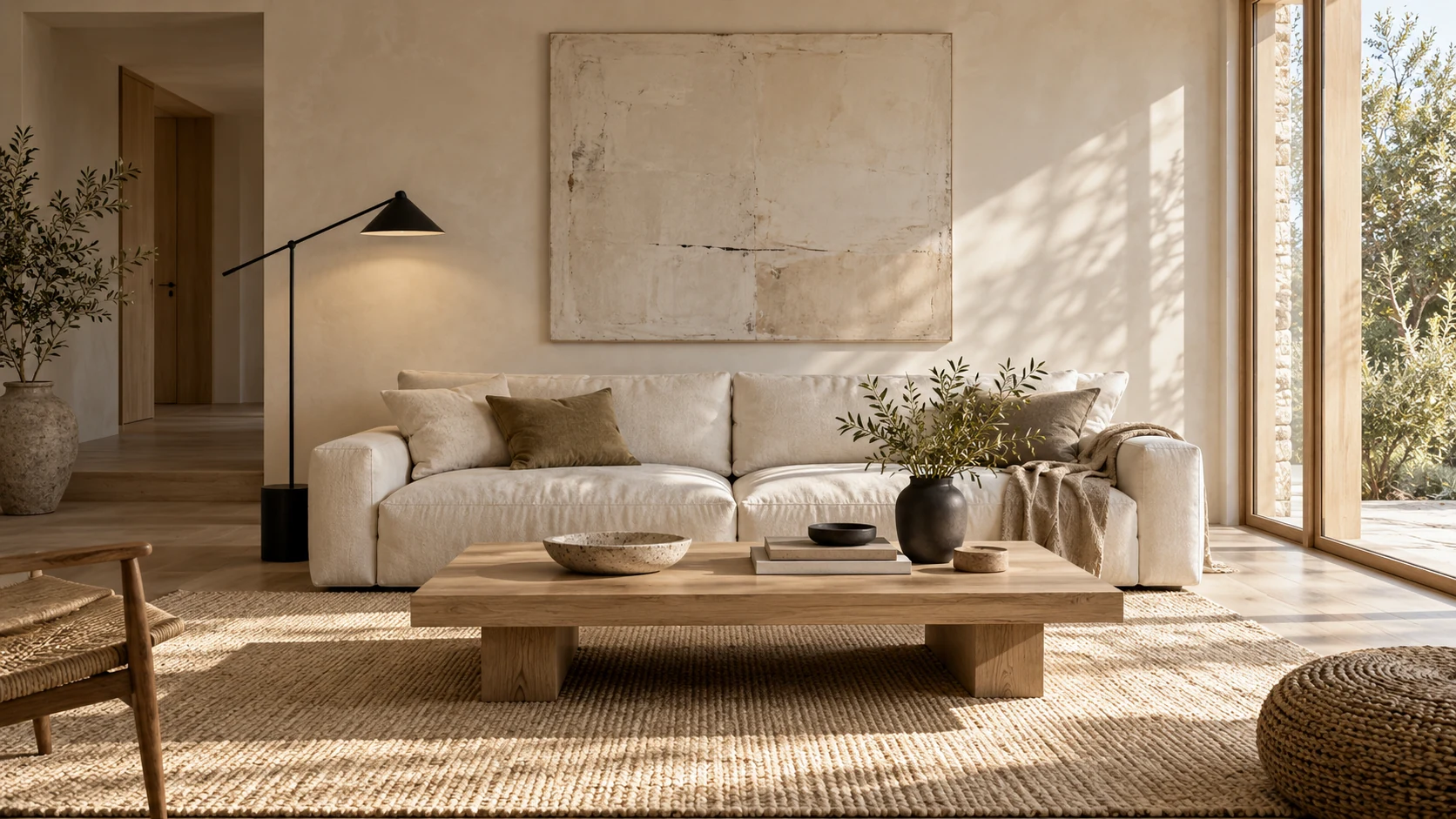
Example command: “Keep the room unchanged. Make the sofa moss green and replace the floor lamp with brushed brass.”
Use a reference character and continue the visual story across new environments, framing and wardrobe while preserving a stronger sense of identity.
Posters, menus, infographics and marketing graphics depend on more than attractive imagery. Nano Banana 2.1 improves text rendering and layout accuracy for designs where words are part of the visual itself.
Create polished product photography, ad creatives, launch images and social-commerce assets.
Combine imagery, typography and layout for campaigns, event posters and promotional graphics.
Develop a fictional character and reuse that visual identity across new scenes and stories.
Change specific objects, colors, materials and environments without rebuilding the entire composition.
Bring people, products, outfits and environments together from multiple source images.
Generate detailed 1K, 2K or 4K images for standard, vertical and panoramic creative formats.
Simple Workflow
Describe the subject, scene, composition, lighting, text or changes you want.
Upload images when identity, products, objects, styles or existing scenes need to be preserved.
Select an aspect ratio and output resolution based on the creative job.
Create the image, then continue editing with natural-language instructions when needed.
| Model | Positioning | Best For |
|---|---|---|
| Nano Banana 2.1 | Latest high-efficiency generation and editing model | Everyday creation, editing, multi-reference workflows, typography and high-resolution output |
| Nano Banana 2 | Previous-generation high-efficiency image model | Existing Nano Banana 2 workflows |
| Nano Banana Pro | Premium image model | Complex professional visual work requiring higher-end knowledge, localization and creative control |
Choose Nano Banana 2.1 when you want a strong balance of generation quality, editing, reference-image control and efficiency. Nano Banana Pro remains positioned for demanding professional visual workflows.
Start with a clear creative goal, then describe subject, environment, composition, lighting and constraints. Add reference images when something needs to stay consistent.
Create a photorealistic European fashion editorial portrait at a rainy Amsterdam tram stop during blue hour, natural skin texture, structured cobalt coat, warm tram reflections, 85mm lens.
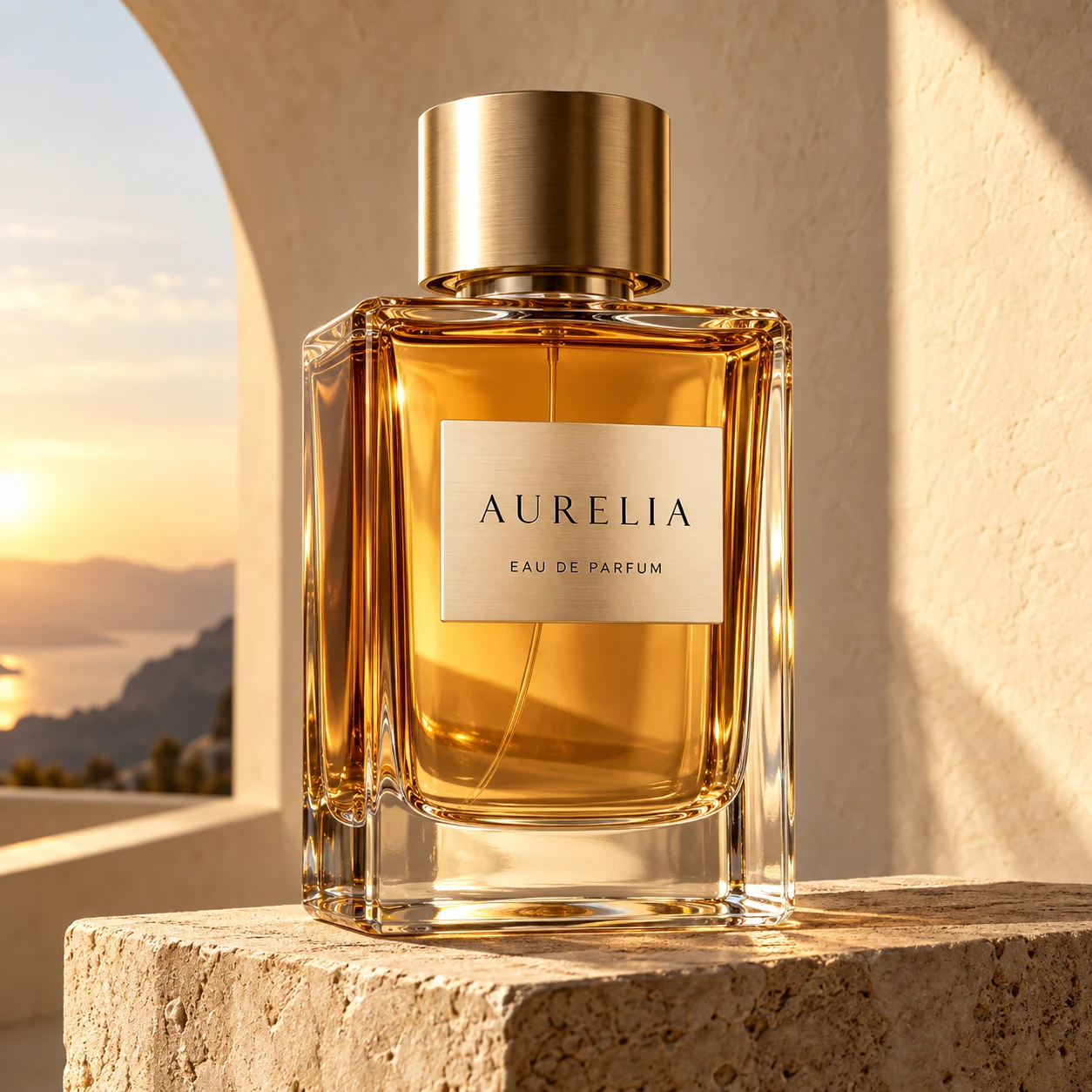
Create a premium square fragrance campaign with an amber glass bottle on warm limestone, late-afternoon architectural light, realistic glass refraction and clean luxury styling.
Create a contemporary design poster with the exact headline “FUTURE / FORM”, Swiss editorial layout, chrome sculpture, charcoal background and warm-yellow accents.
Keep the entire room composition unchanged. Change only the sofa to muted moss-green fabric and replace the black floor lamp with brushed brass.
Use the uploaded portrait for identity, the clothing image for the blazer, the product image for the handbag and the lobby image for the environment. Combine them into one realistic fashion campaign.
Create a 4:1 cinematic panorama of a remote astronomical observatory in the Atacama Desert before sunrise, realistic atmospheric depth and no repeating terrain.
Nano Banana 2.1 is Google’s latest high-efficiency model for image generation and conversational image editing. It is an update to Nano Banana 2 with improvements in visual quality, prompt adherence, text rendering and multi-turn consistency.
The Gemini API model ID is gemini-nano-banana-2.1.
Yes. It supports image input and conversational editing, allowing you to upload an image and describe the changes you want to make.
Nano Banana 2.1 supports 1K, 2K and 4K image output.
A Nano Banana 2.1 workflow can combine up to 14 reference images. Google documents character consistency for up to four characters and object fidelity for up to ten objects in supported workflows.
Nano Banana 2.1 includes improved text rendering and infographic-layout accuracy, making it suitable for posters, graphics and other images where readable text matters.
Yes. Nano Banana 2.1 supports 1K, 2K and 4K output sizes.
Nano Banana 2.1 is positioned as the more efficient model for high-quality image generation and editing, while Nano Banana Pro remains the premium option for demanding professional visual workflows.
Google documents Web Search and Image Search grounding for Nano Banana 2.1. Availability on NanoBanana21 depends on which capabilities are currently enabled in the generator.
No. NanoBanana21.art is an independent AI creation platform and is not affiliated with, sponsored by or endorsed by Google. Google, Gemini and related product names belong to their respective owners.
Your Next Image Starts Here
Start with a prompt. Add references when you need more control. Generate the image, then keep refining it until it matches the idea in your head.